
Choose Your Language: 15 Available!
 GAME UPDATE
Taming.io now speaks 15 languages! The homepage, your pets, the shop, the challenges, the settings... The whole game is translated, and you can choose your language in 2 clicks.
How to Choose Your Language
1.Click the Globe
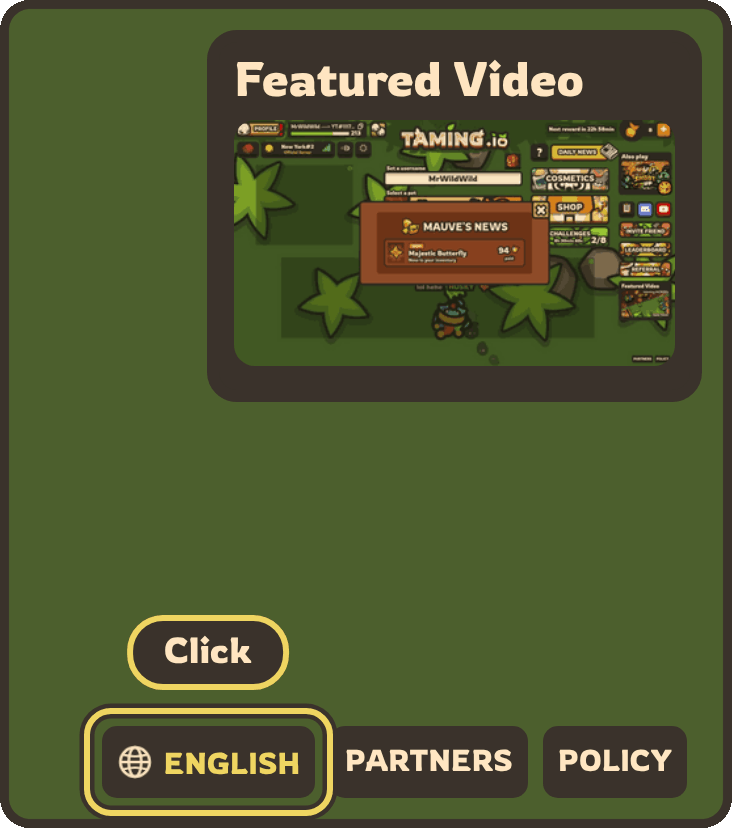
Open the homepage and look at the bottom right corner of your screen. Next to PARTNERS and POLICY, a button with a globe shows the language of your game. Click it!
2.Pick Your Language
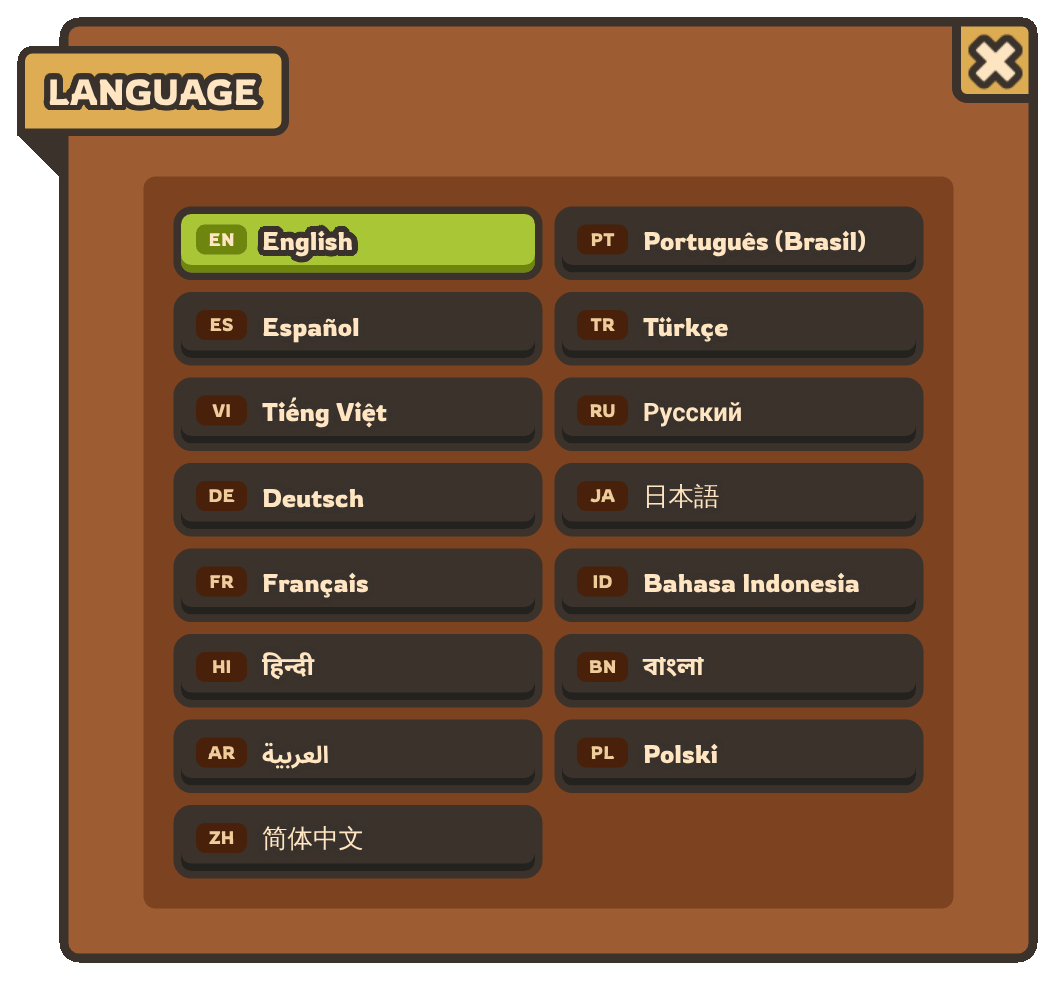
The Language box opens with the 15 languages, each one written in its own language. The green one is the language you are playing in. Click yours: the page reloads in your language, and that's it!
Your choice is saved in your browser: the game opens in your language every time you come back.
The 15 Languages
| Code | Language | In the game |
| EN | English | English |
| PT | Brazilian Portuguese | Português (Brasil) |
| ES | Spanish | Español |
| TR | Turkish | Türkçe |
| VI | Vietnamese | Tiếng Việt |
| RU | Russian | Русский |
| DE | German | Deutsch |
| JA | Japanese | 日本語 |
| FR | French | Français |
| ID | Indonesian | Bahasa Indonesia |
| HI | Hindi | हिन्दी |
| BN | Bengali | বাংলা |
| AR | Arabic | العربية |
| PL | Polish | Polski |
| ZH | Simplified Chinese | 简体中文 |
The Whole Game Is Translated
More than 12,000 texts are translated in each language:
- the homepage, the menus and the settings,
- your pets, their skills and the Tamodex,
- the weapons, the hats, the buildings and the upgrades,
- the shop, the cosmetics and the potions,
- the challenges, the clans and the dungeons,
- your house and your mailbox.
The Homepage in Japanese
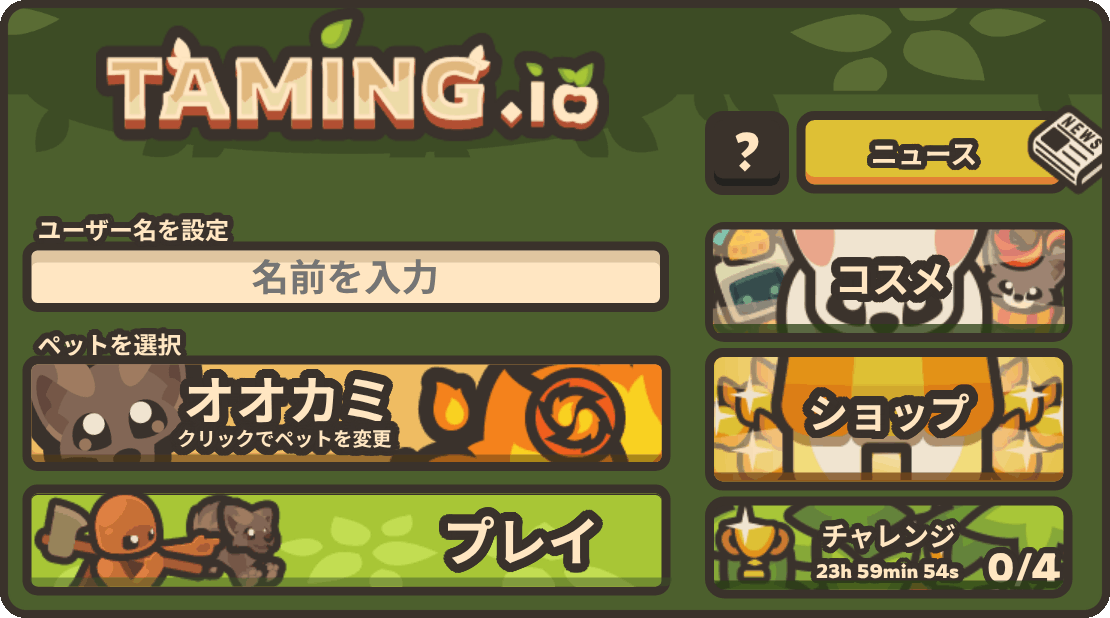
Your username, your pet, the PLAY button, the Cosmetics, the Shop and the Challenges: everything is in Japanese, even the name of the Wolf!
The Homepage in Arabic
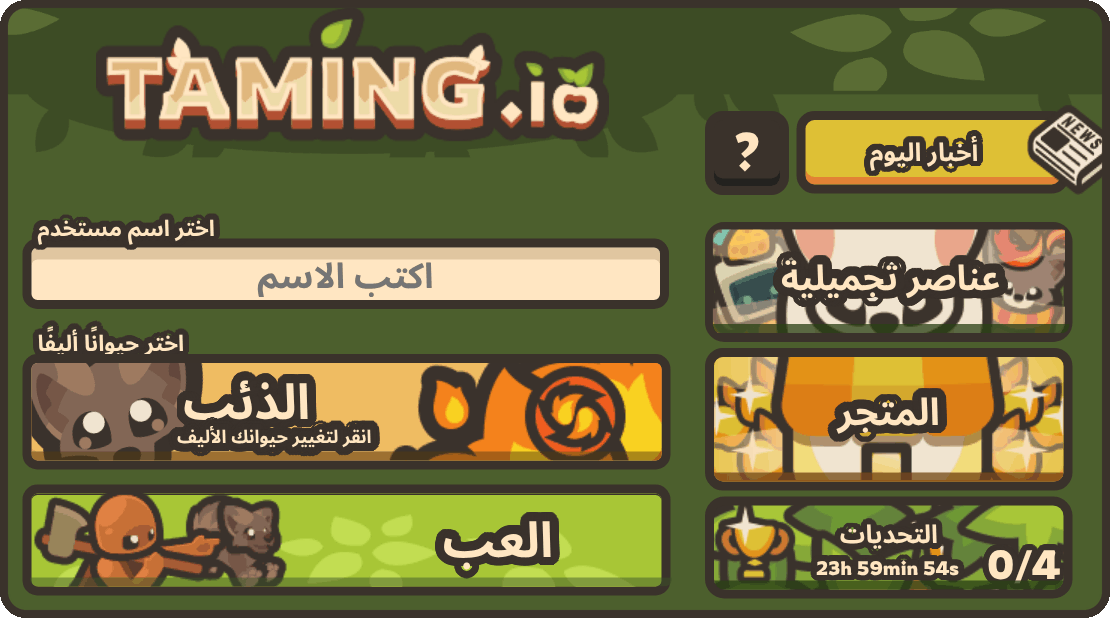
The same homepage, in Arabic this time.
The Settings in Spanish
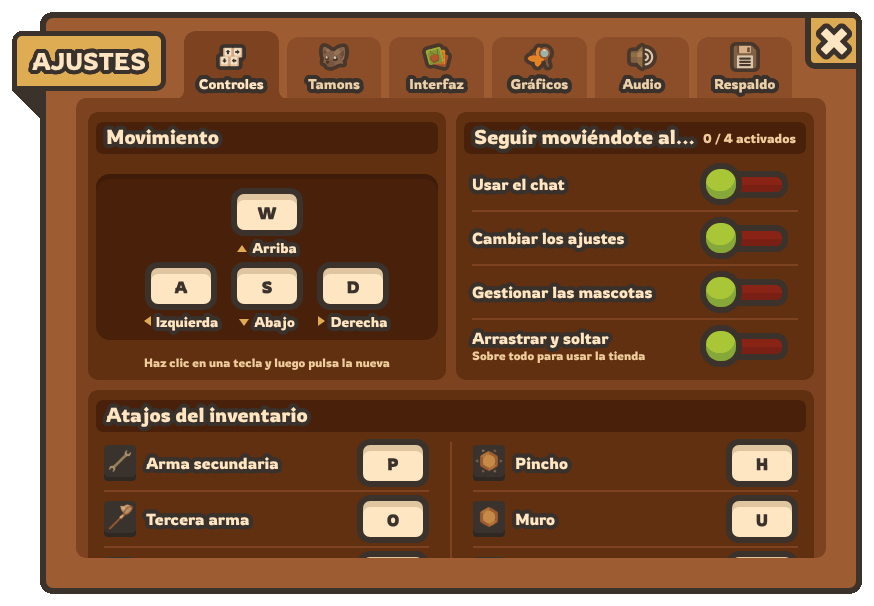
The popups are translated too: the tabs of the settings, their cards and all their options.
The usernames, the names of the clans and the messages of the chat are written by the Tamers: they stay as they are.
The Language of Your Browser
The first time you open Taming.io, the game looks at the language of your browser:
if it is one of the 15, the game opens in it. Otherwise, the game opens in English.
Then the language you choose with the globe always comes first.
Invite a Friend in Their Language
Add ?lang= and the code of a language to the address of the game: taming.io/?lang=es opens Taming.io in Spanish, taming.io/?lang=ja in Japanese. Send this link to a friend: they will discover the game in their own language!
A word sounds strange in your language? Tell us on Discord, we will fix it!
JOIN THE DISCORD
Click the globe, pick your language and tame them all!
PLAY TAMING.IO
 COMPETITION